Importing a manuscript
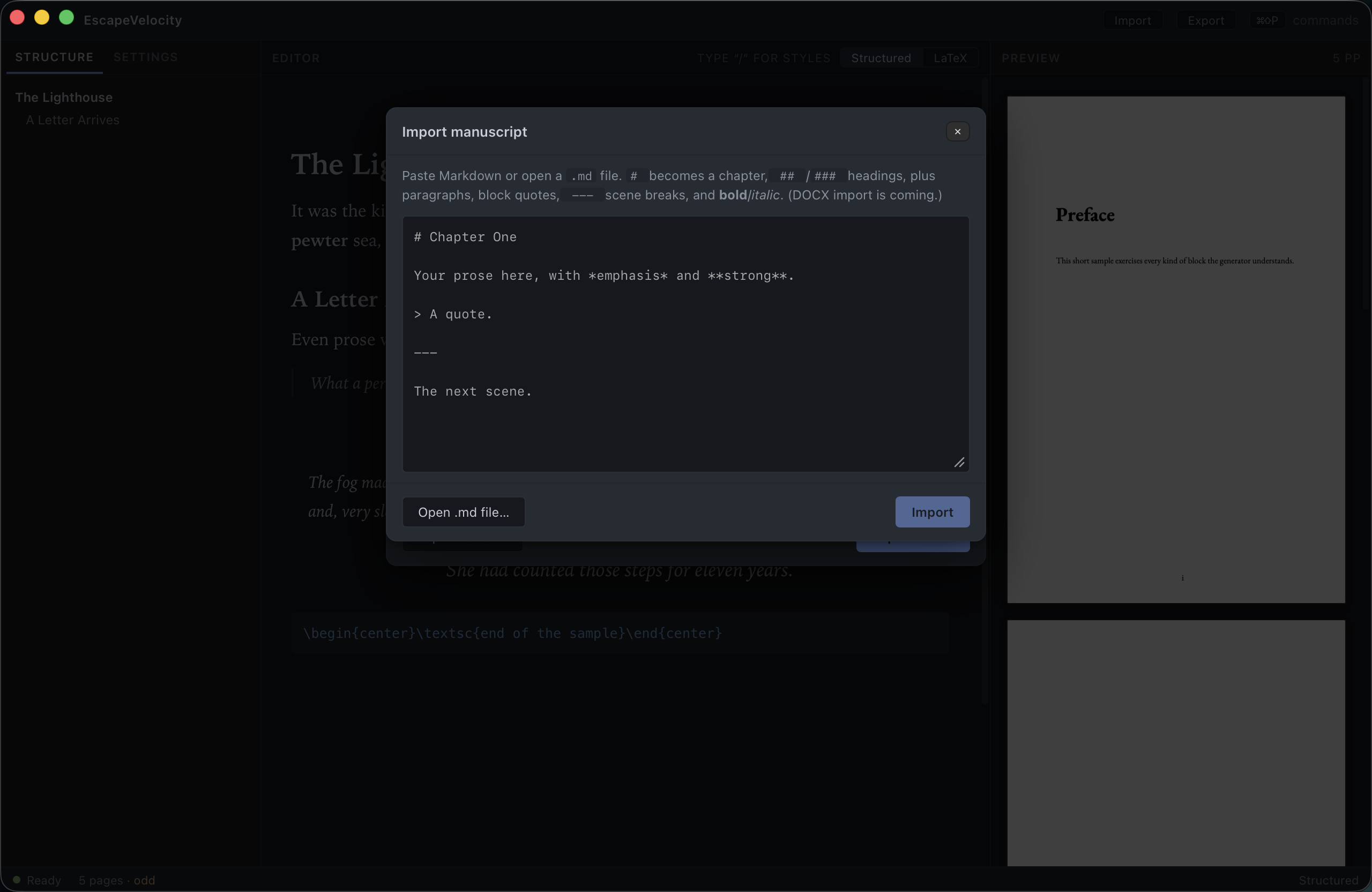
Already have a draft in Markdown? Bring it in with Import — the button in the title bar, or ⌘+⇧+I.
What gets imported
EscapeVelocity maps common Markdown to its semantic blocks:
| Markdown | Becomes |
|---|---|
# Heading |
Chapter |
## Heading / ### Heading |
Section headings |
| Paragraph text | Body paragraphs |
> quote |
Block quote |
--- |
Scene break |
**bold** |
Bold |
*italic* |
Italic |
DOCX is coming
Markdown (.md, .markdown, .txt) is supported today. DOCX import is planned.
Review before you replace
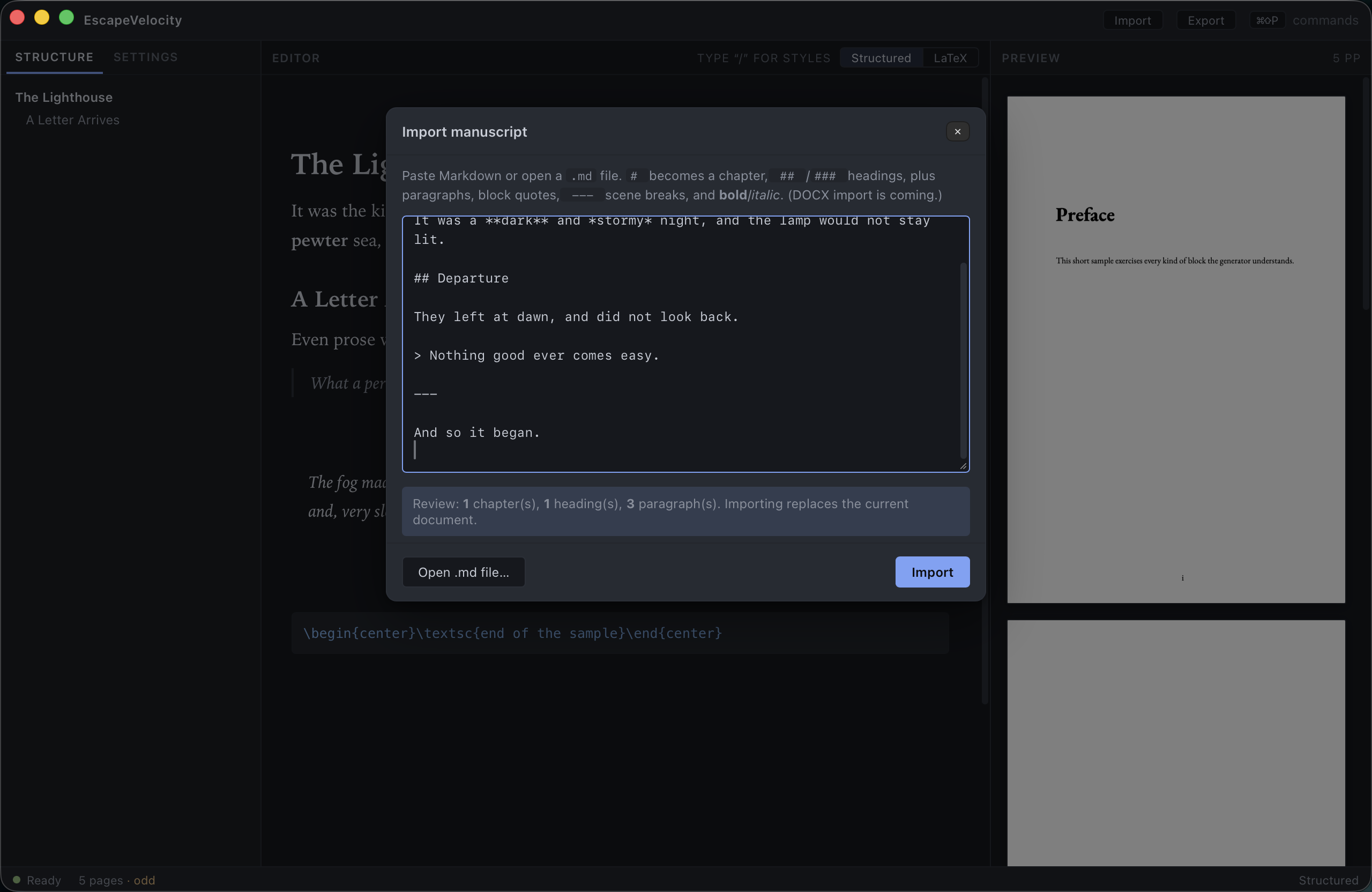
Importing is deliberate, not a guess. As soon as there’s text to parse, a Review line summarizes what EscapeVelocity found — how many chapters, headings and paragraphs — so you can confirm the structure is what you expect before committing.
Steps
- Open the dialog (⌘+⇧+I).
- Paste your Markdown into the text area, or click Open .md file… to load a file.
- Check the Review line.
- Click Import.
The editor, outline and preview are all replaced with your imported manuscript, with bold/italic preserved. From there, refine styles with the slash menu and shape the book in the inspector.
Import replaces the current document
There’s no merge — importing swaps in the new manuscript. If you have unsaved work you want to keep, export or copy it out first.
Next: Exporting for print →